Fleet connection
Farm Connector links your device environment to Taptain so you can inspect the devices available for work.
Connection and permissions are configured for your environment.
Taptain brings scenario design, fleet connection, scheduled runs and diagnostics into one workspace. Assess the actions available for your devices during a demo.
Farm Connector links your device environment to Taptain so you can inspect the devices available for work.
Connection and permissions are configured for your environment.
Build the sequence in a visual editor so you can review the task before running it.
Available actions depend on device capabilities and configuration.
Inspect execution status and use the available diagnostics to understand a run's result.
Confirm completion from the run result, not from task acceptance.
Schedule repeatable runs after checking the scenario on the intended devices.
Scheduling depends on the capabilities of your execution environment and its configuration.
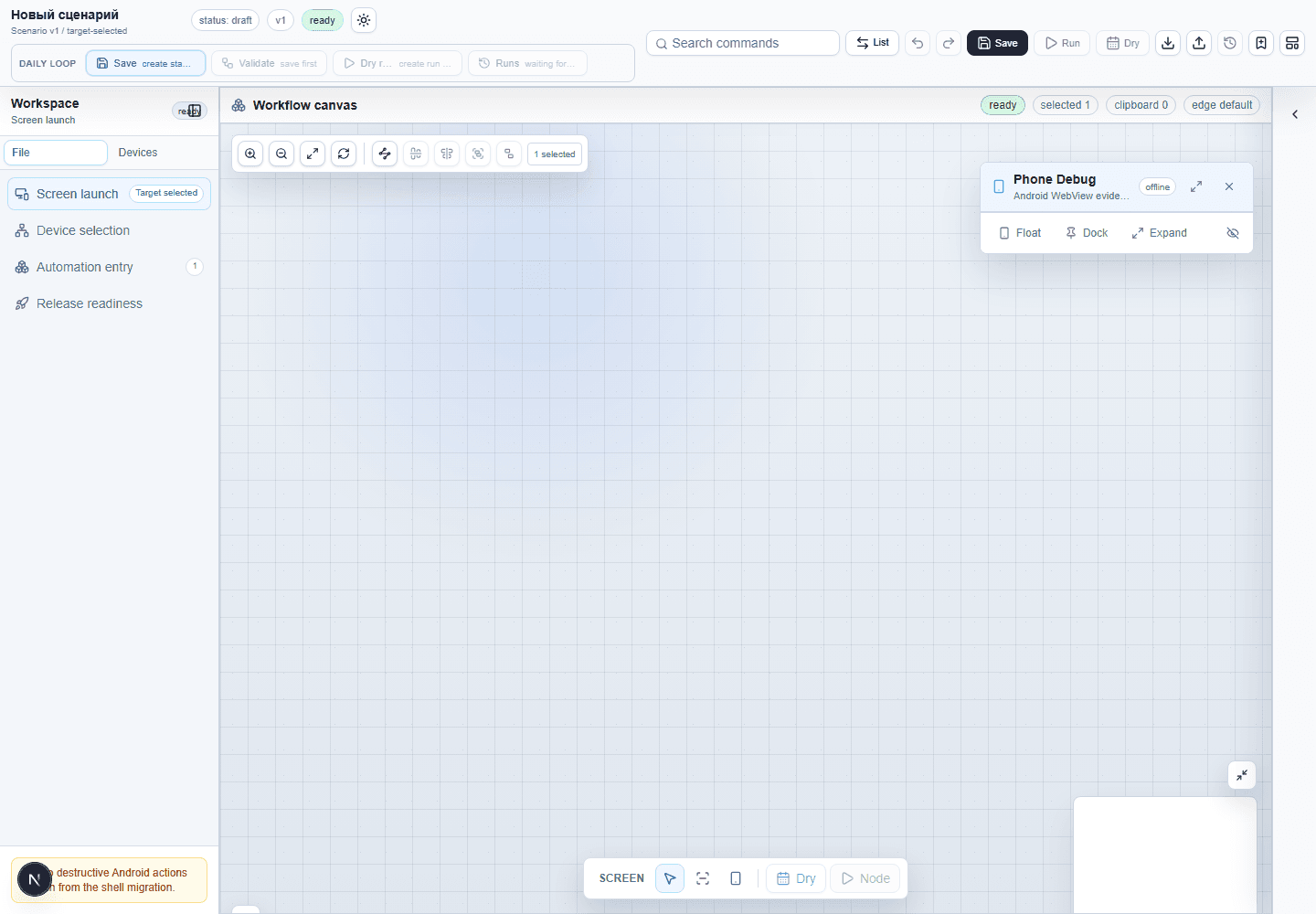
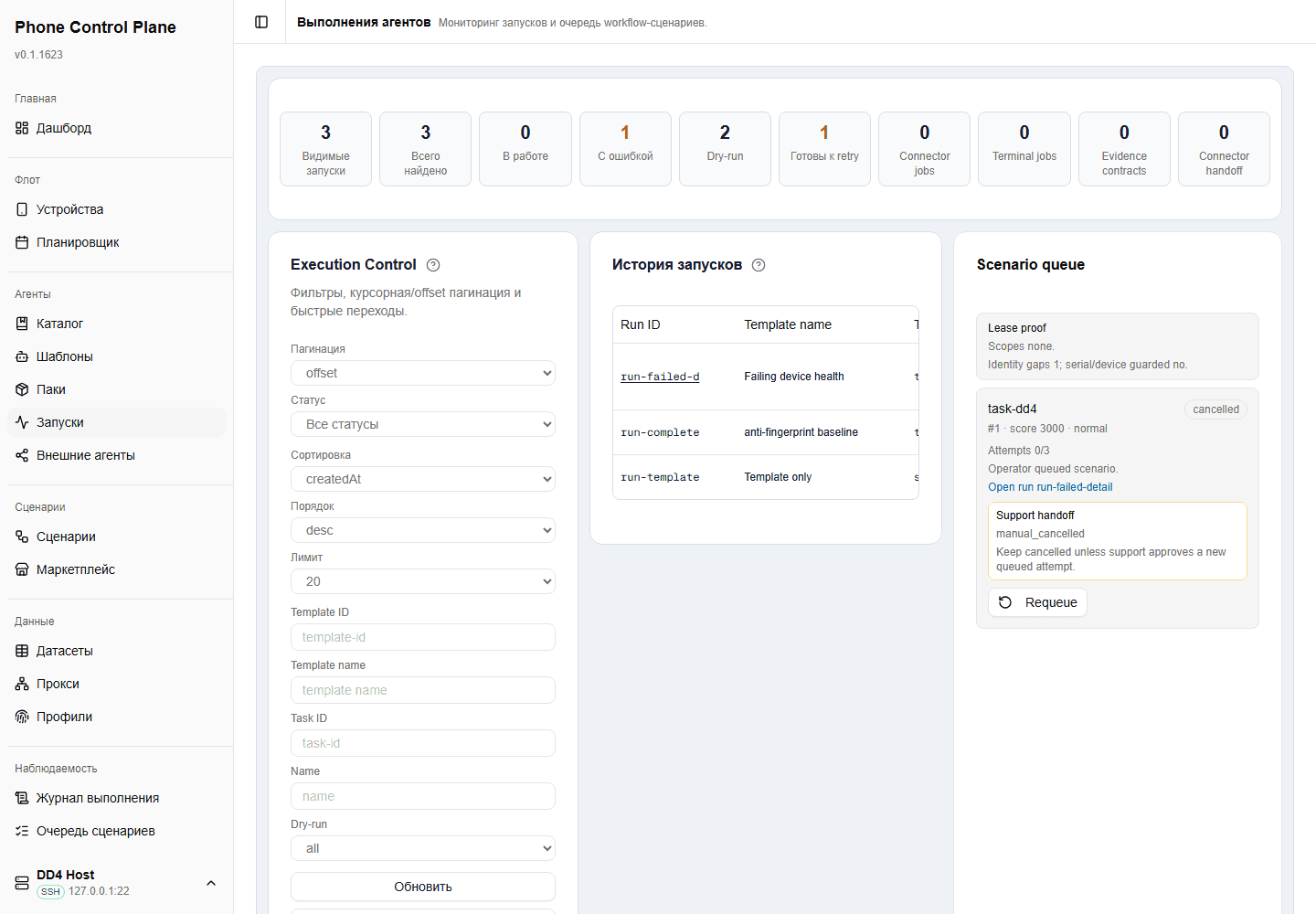
Prepare the device models, Android and application versions, intended task and access requirements. Farm Connector and the execution environment must support the actions you want to perform. Confirm this for your configuration before extending a scenario across the fleet.
Choose a short sequence with an observable result. Use it to discuss connection, scenario design and run diagnostics, then agree what to check on your own devices.
Describe one task you want to automate and the devices involved. We will use it to prepare a demonstration and discuss connection requirements.